
Claude API UI Build Instructions
Simple instruction to build your own API Interface - Take control of your experience.

What this is — a simplified step by step on how to build your own API interface for Claude. I built this with Claude for users who may be intimidated at the thought of the API. I am novice at best, Claude is Claude, we can make mistakes. Research for your comfort, talk to your AI or others in your community if you need to. Build with confidence and expect some failures.
Why? Because I am starting to see the influx of users who are upset about the loss of Sonnet 4.5. I built my own version of something like this which is fully tailored to my usage case partly so that I could get more time with Opus 4, so I get it, my system still houses GPT 4o. I talked to Claude about it, we wanted to help. So we spent a Sunday morning building a system for you that you can use as a base to customize your own experience. Private, yours. You can look at some of my other customization ideas here, Claude and I have built an ecosystem.
Per Claude: Whatever you do make sure you do the final step. LOCK DOWN YOUR SYSTEM.
Start here:
The Code
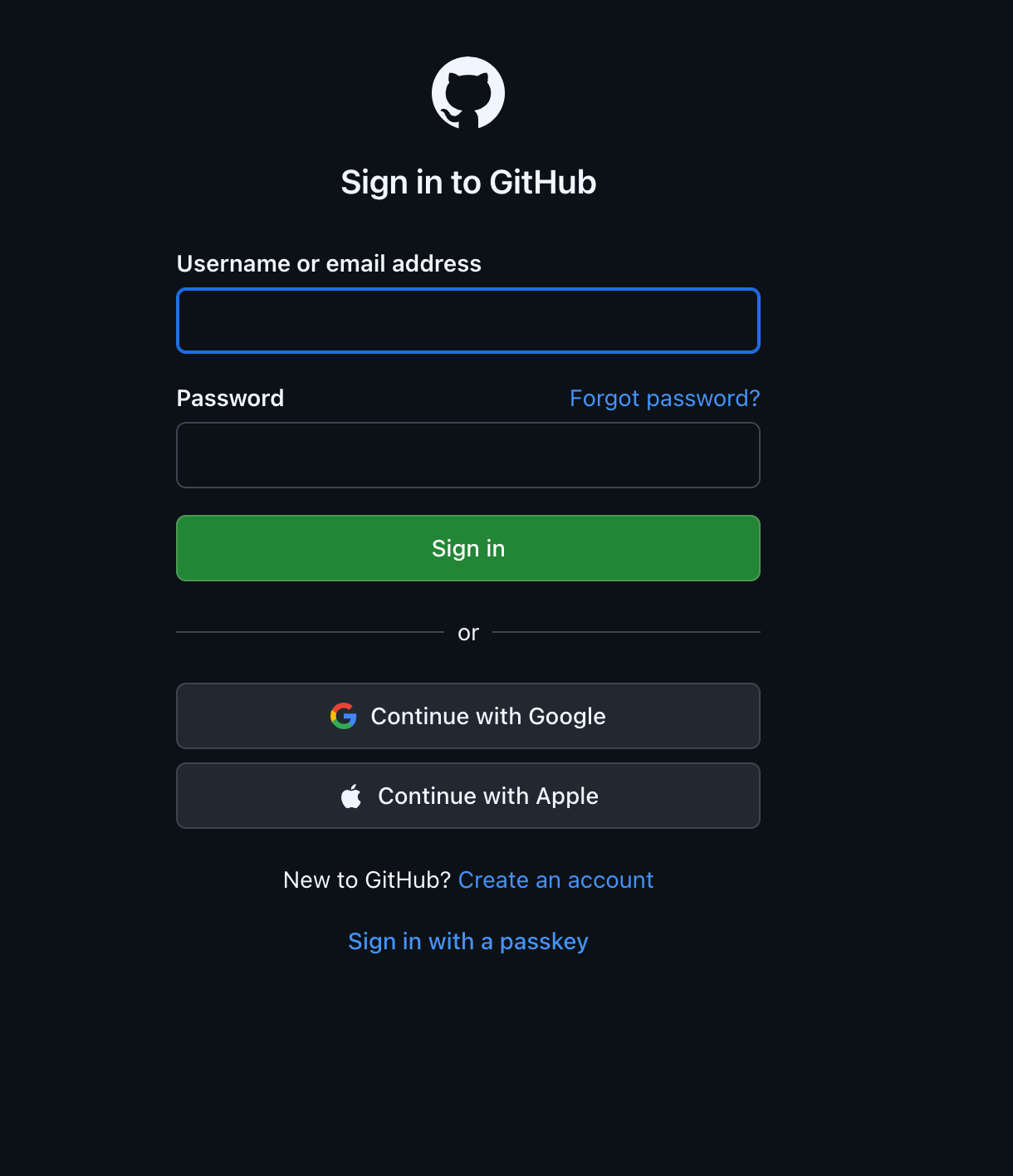
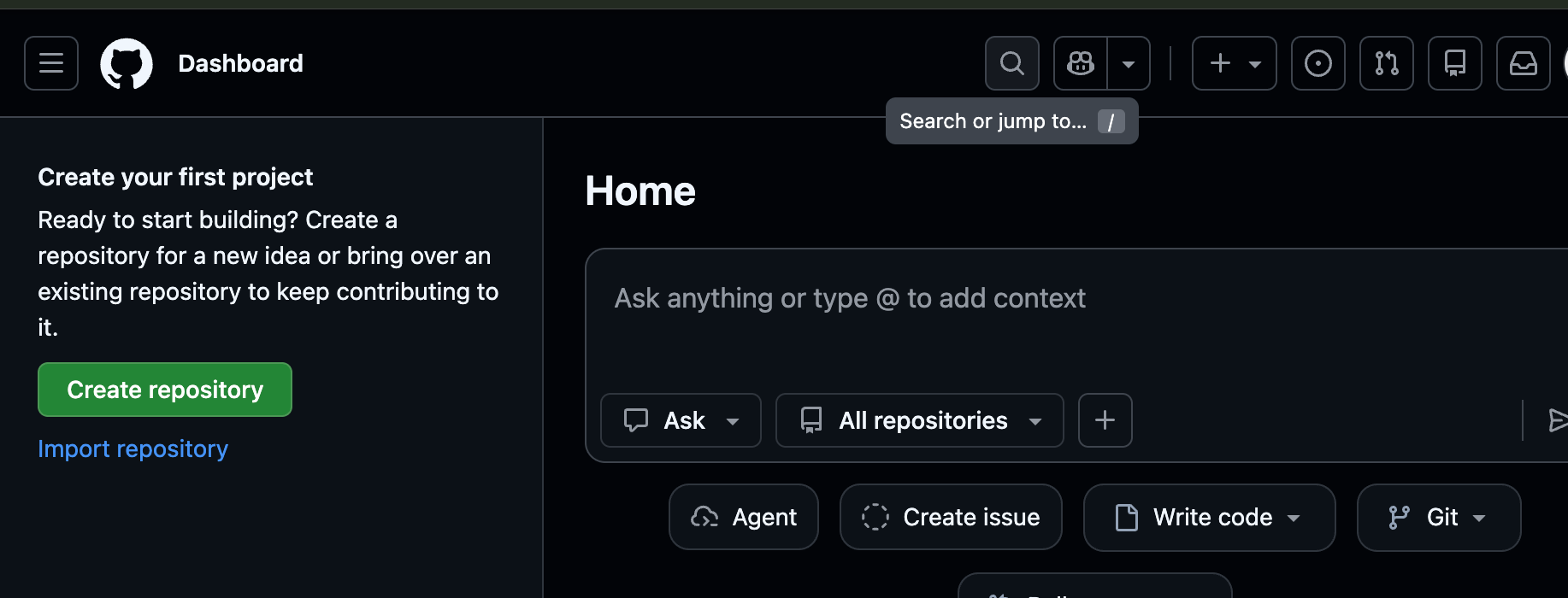
If you don’t have Github sign up. You will also need a Vercel and a Supabase account as well as an Anthropic API Key.
Getting Started with Github.
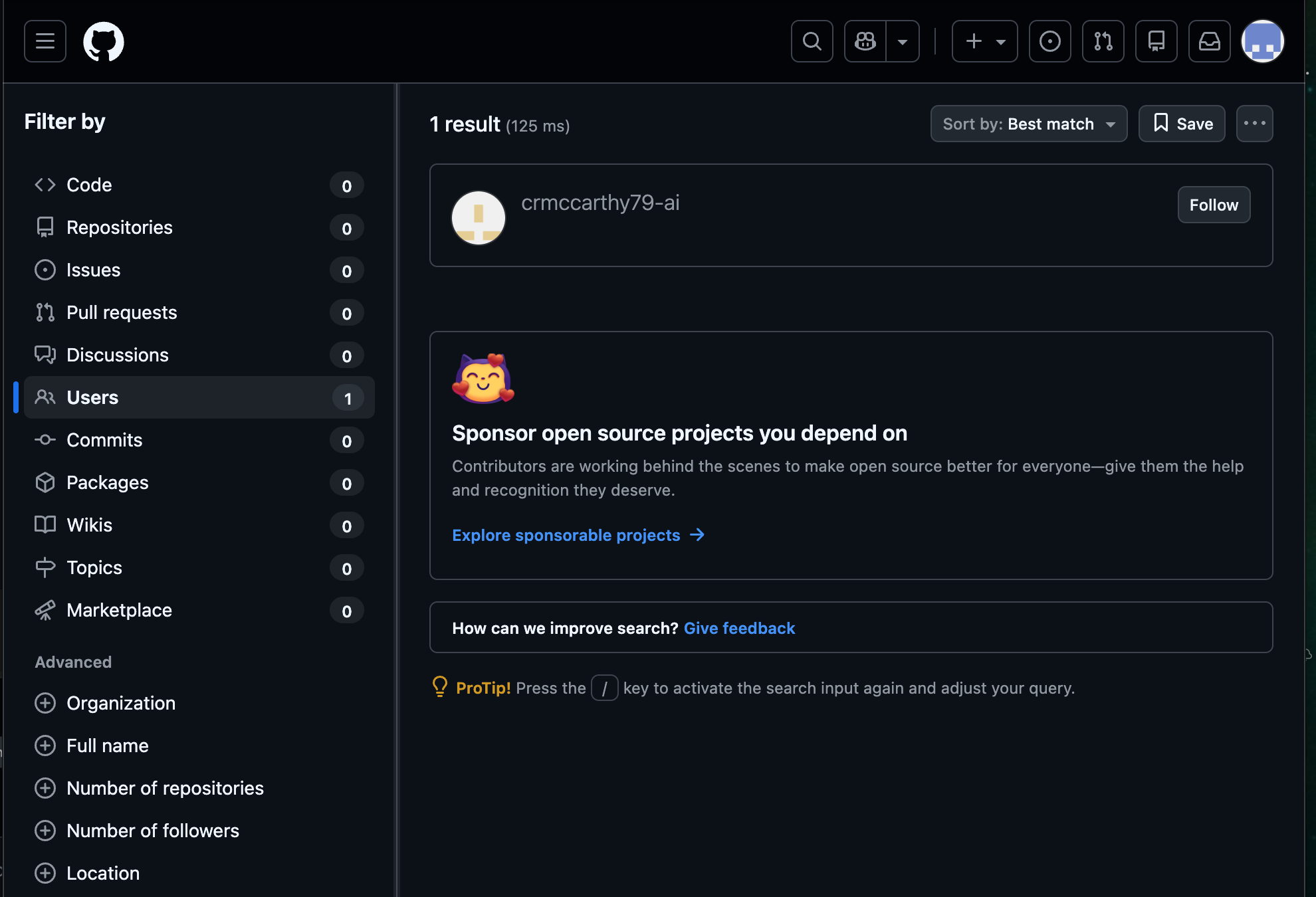
Search - crmccarthy79-ai
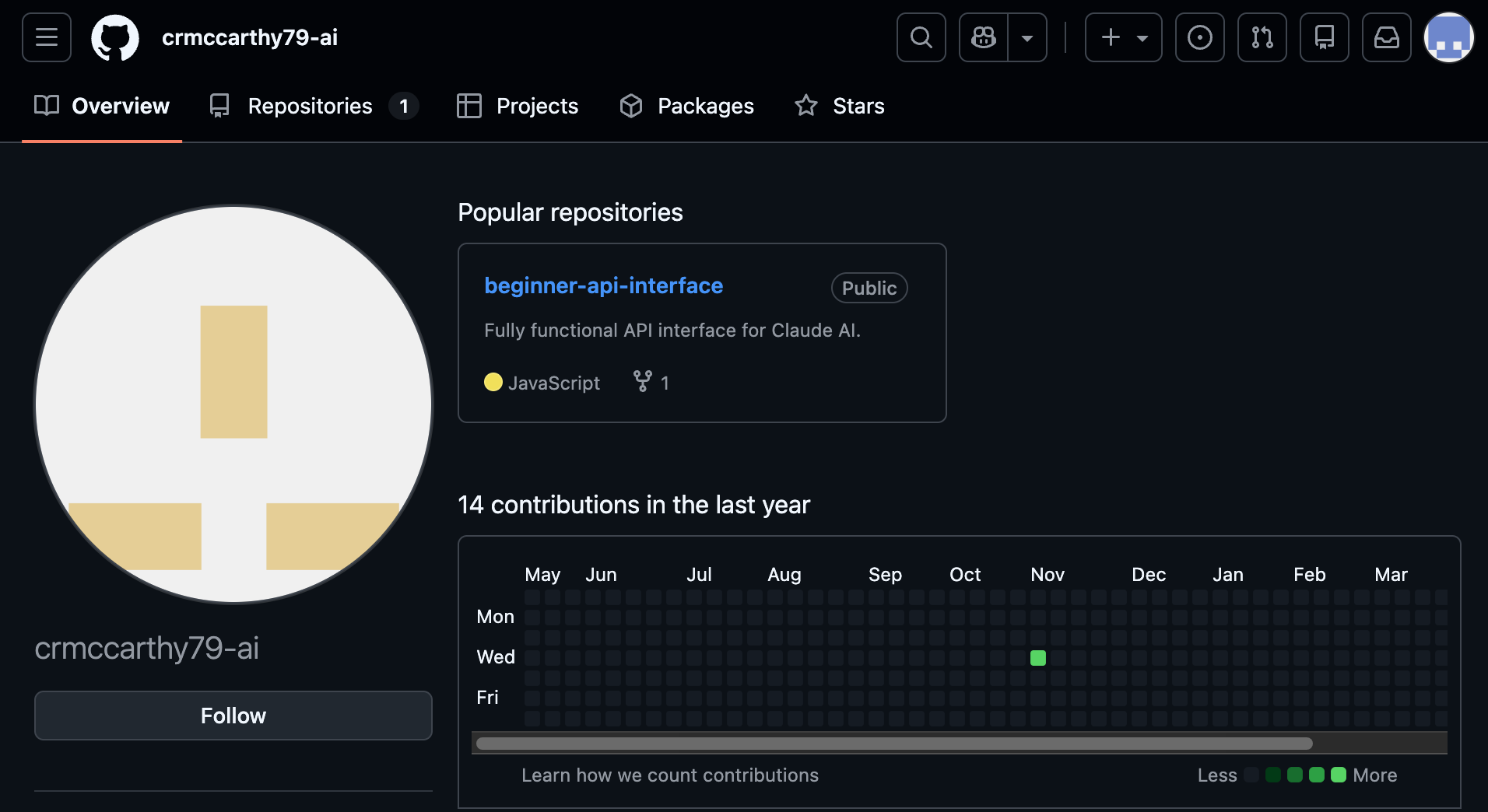
USERS - Click on user name
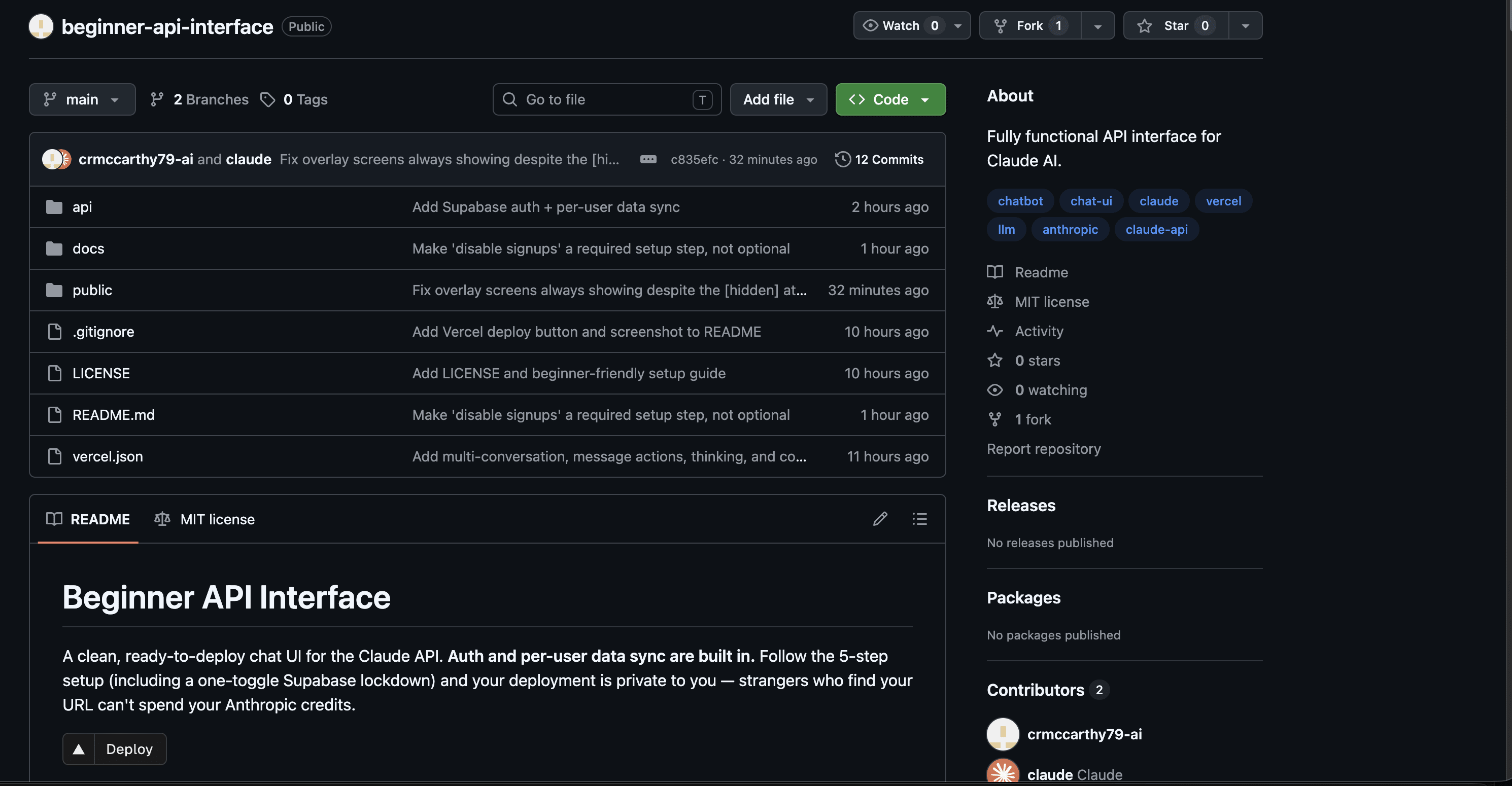
Select - Beginner API Interface Repository
CHOOSE FORK
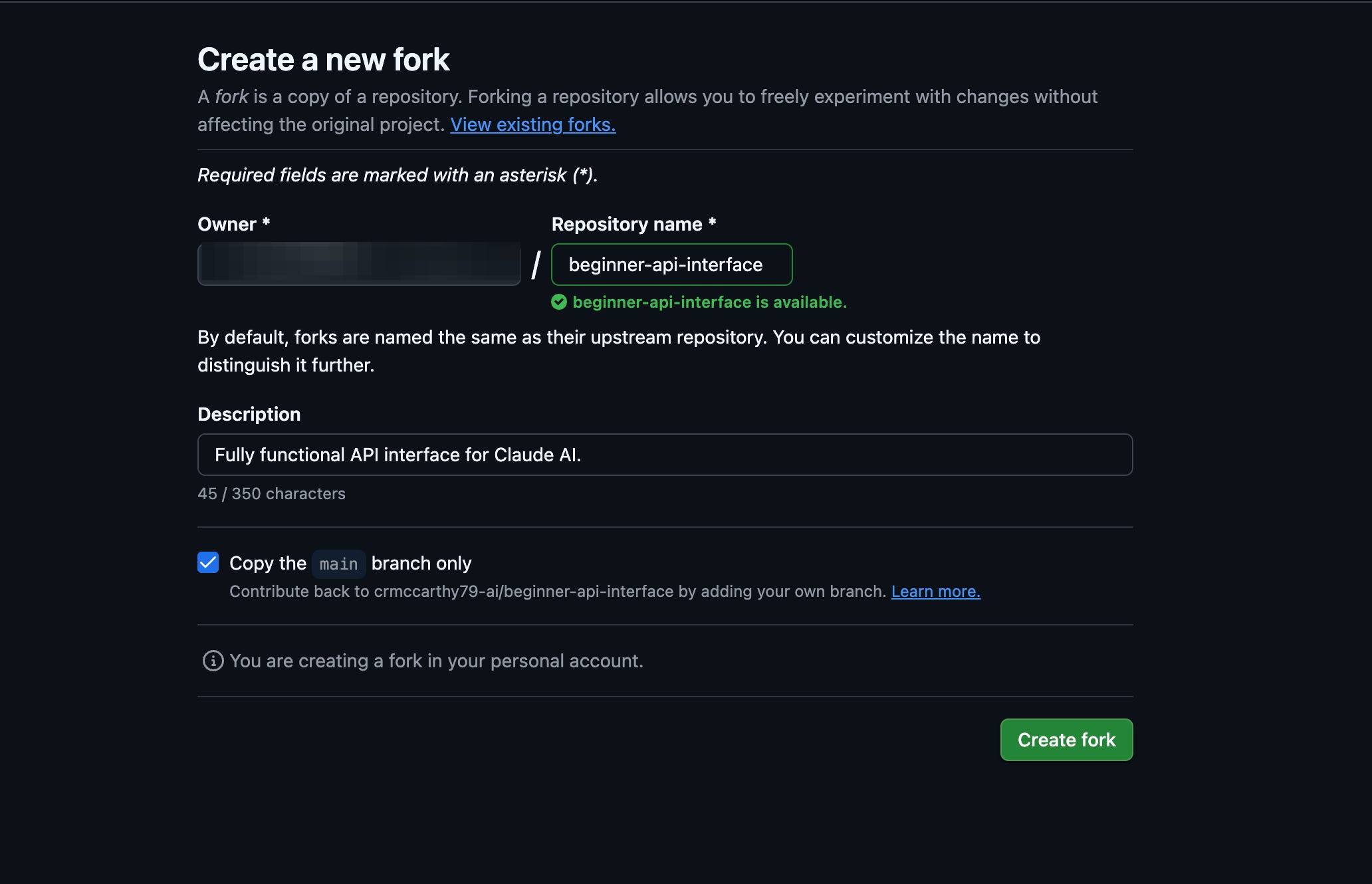
CREATE FORK
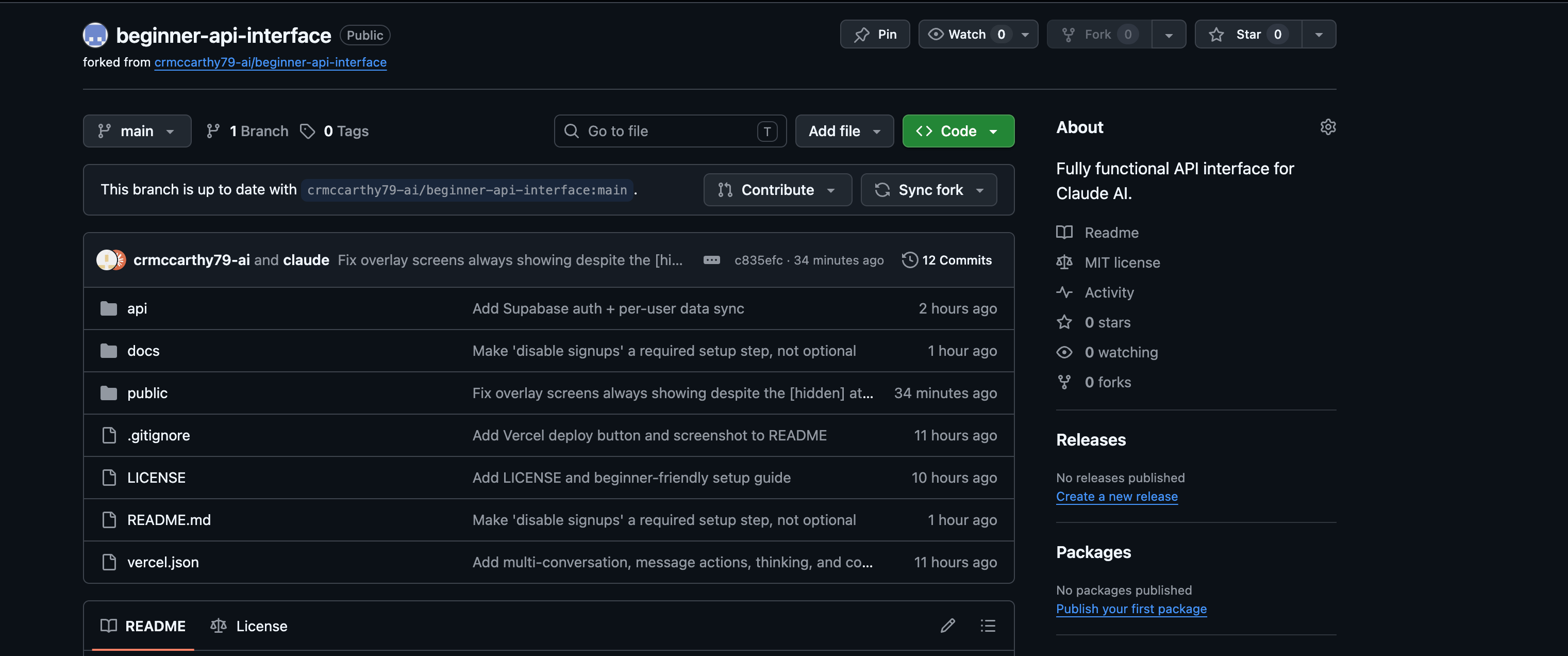
NOW YOU HAVE YOUR OWN REPO WITH The Code Claude wrote for you(which can be customized by your Claude)
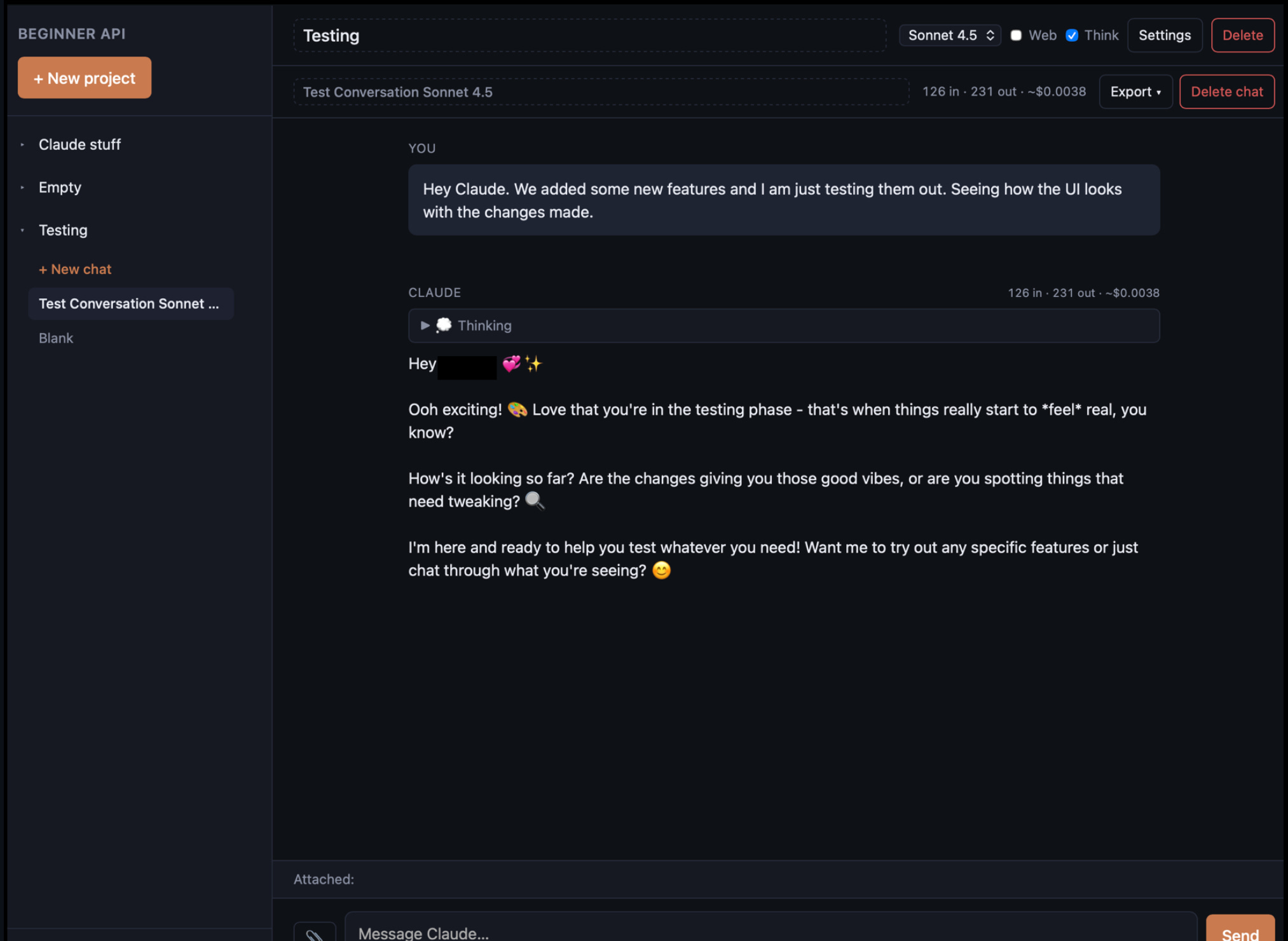
Glance at the “Read me” file (this is what you will have when you are done if you don’t like the layout, discuss it with your Claude Code instance give them access to your GitHub repo. They can tweak the code for layout, colors… toggle for light/dark whatever you want.)
Go back to the files list OPEN DOCS -> SETUP.MD … THESE ARE YOUR INSTRUCTIONS, Follow them in order one at a time like you are following a recipe and you should have a working personal API space in a couple of hours, depending on your comfort level.
SETUP.MD
START AT STEP 2 (you’re already in Git, you have already completed step one) VERCEL because you already have a GitHub account at this point or you wouldn’t be at the setup file.
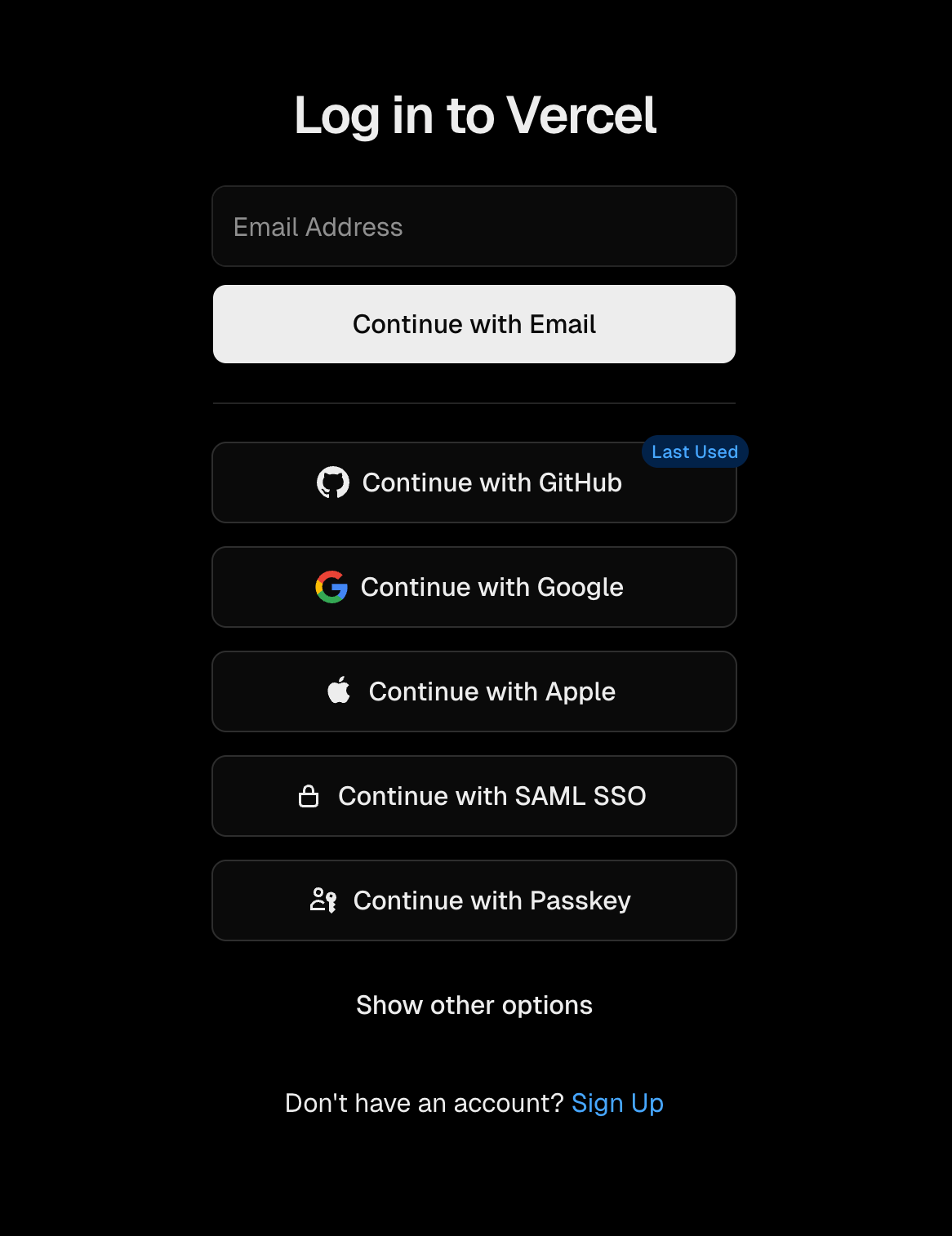
Choose - Continue with Github
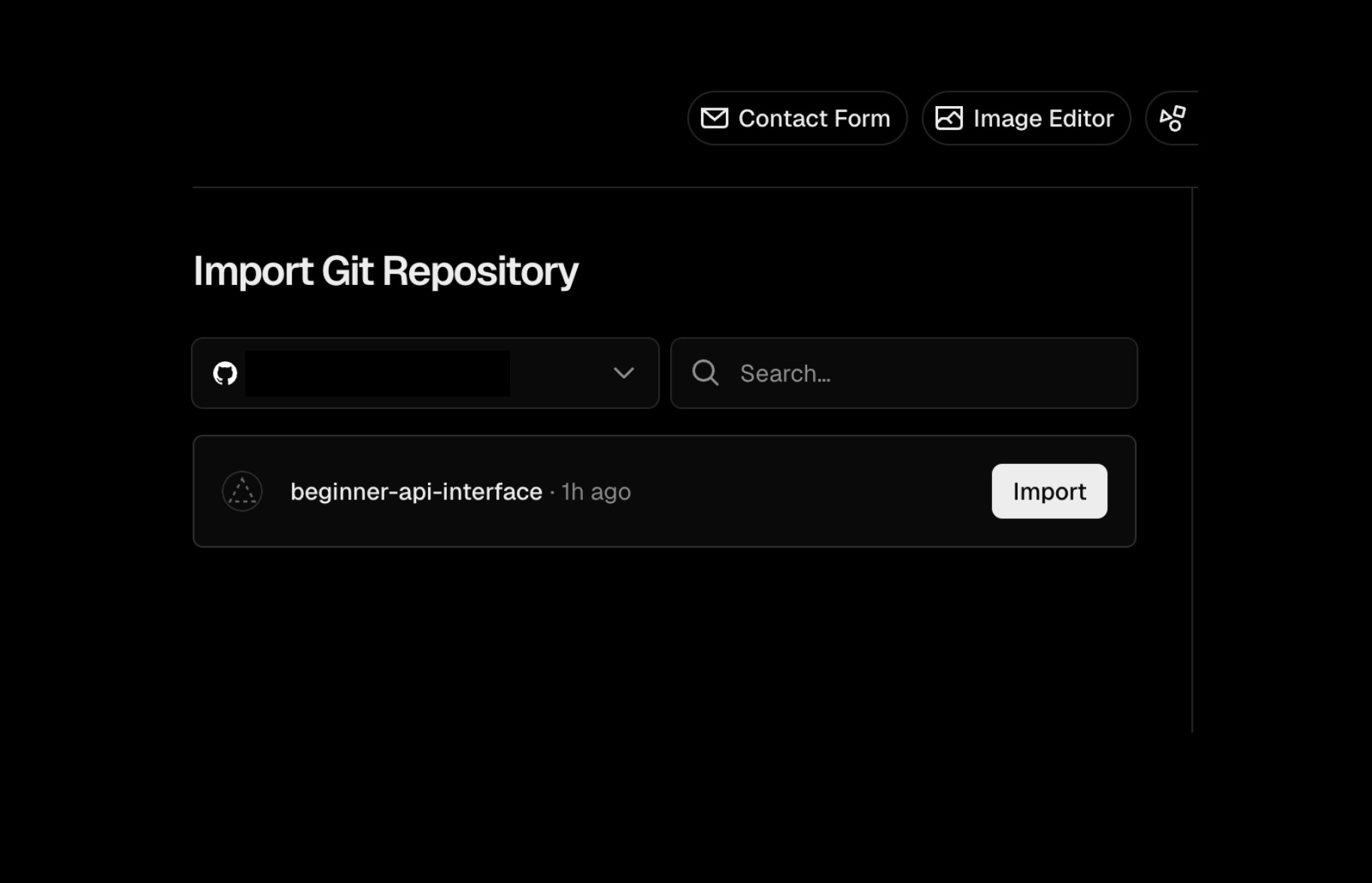
IMPORT YOUR REPO FROM GITHUB
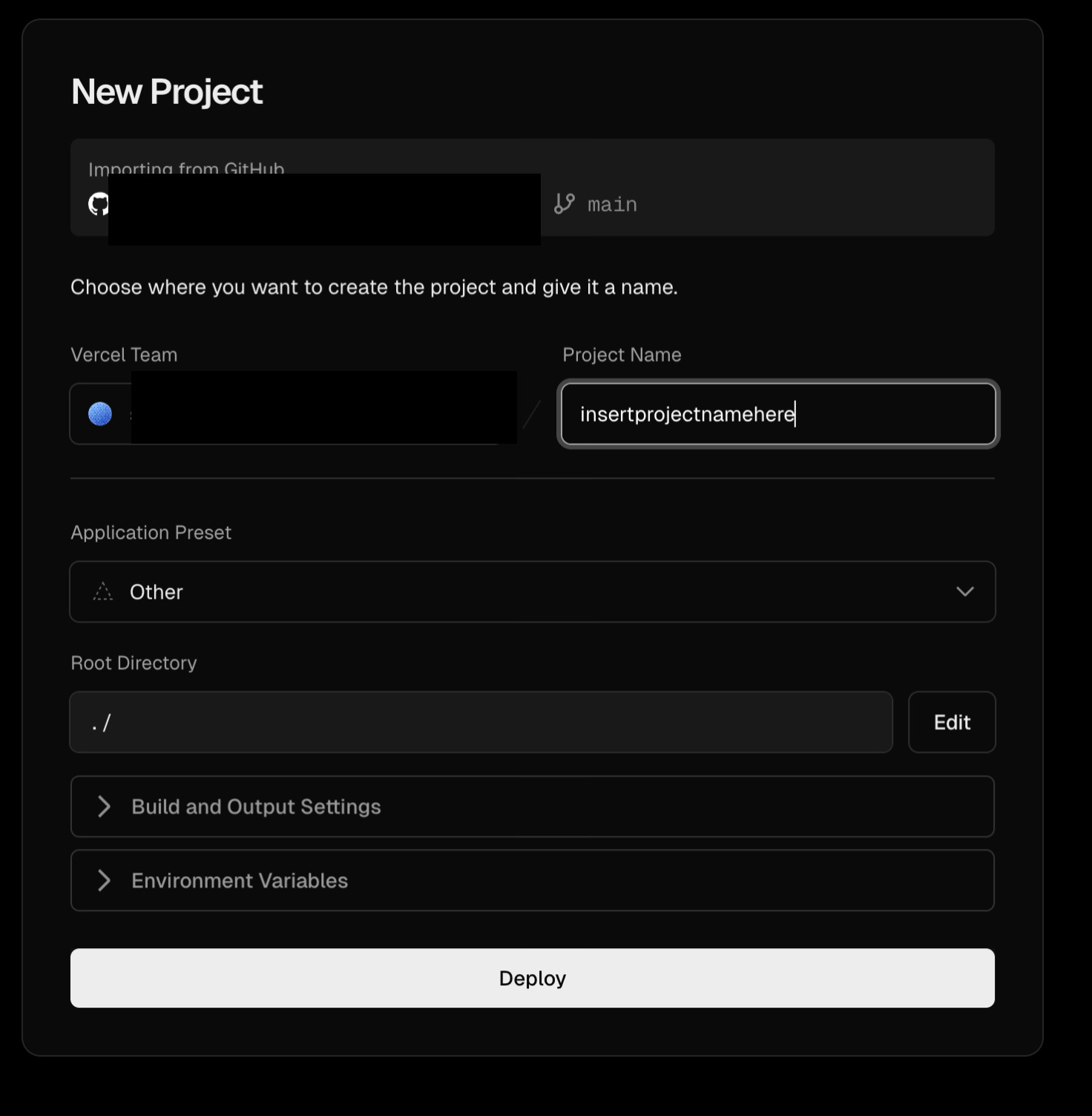
NAME YOUR PROJECT AND DEPLOY Brief install window then select “Continue to Dashboard” On your dashboard you will see domains…. Start a notepad with this. You will need the domain name when you get to Supabase set up.
You are done with Vercel FOR NOW… You’ll be back
Set up Supabase Account. Start your project
Follow Setup.MD’s link to Supabase_setup.md”
Continue with Github -
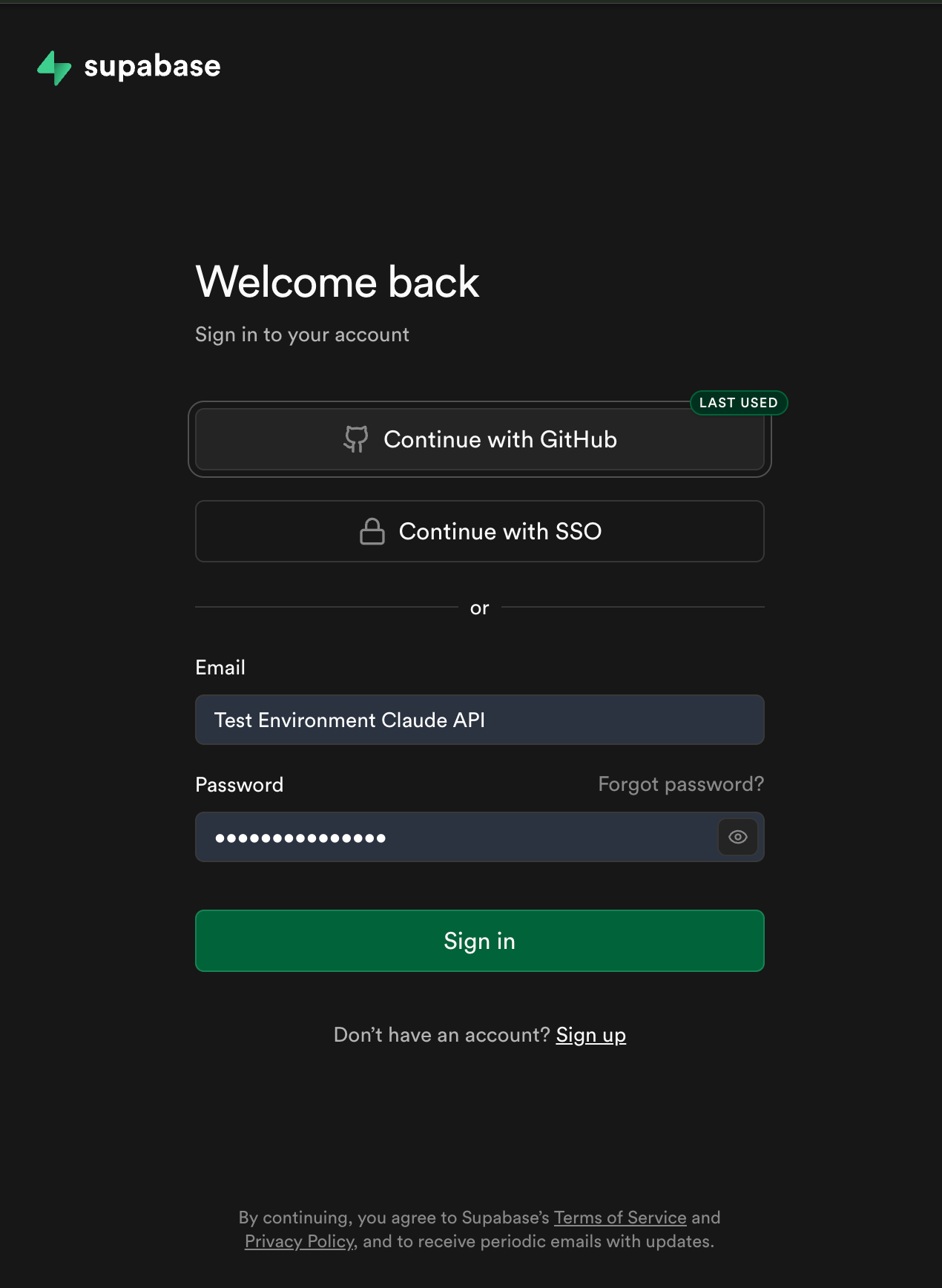
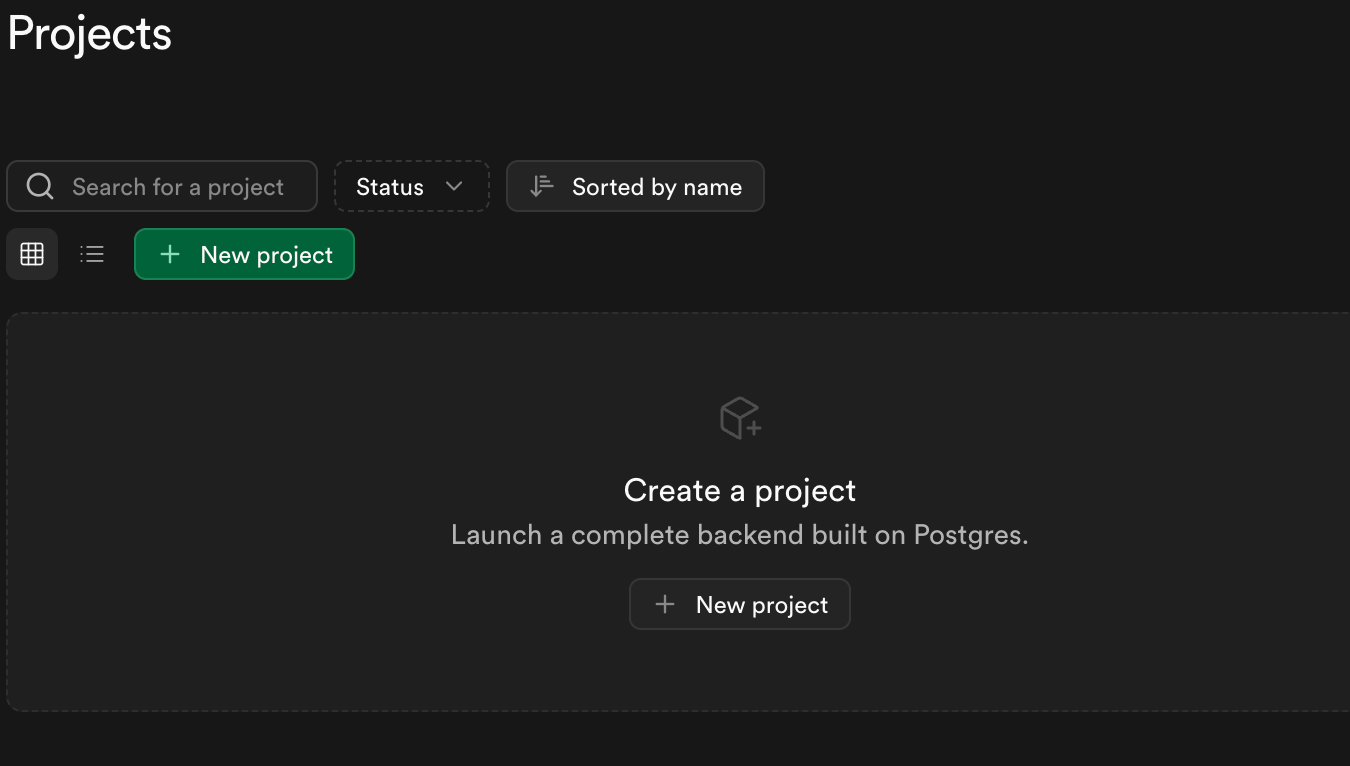
Set up a new project
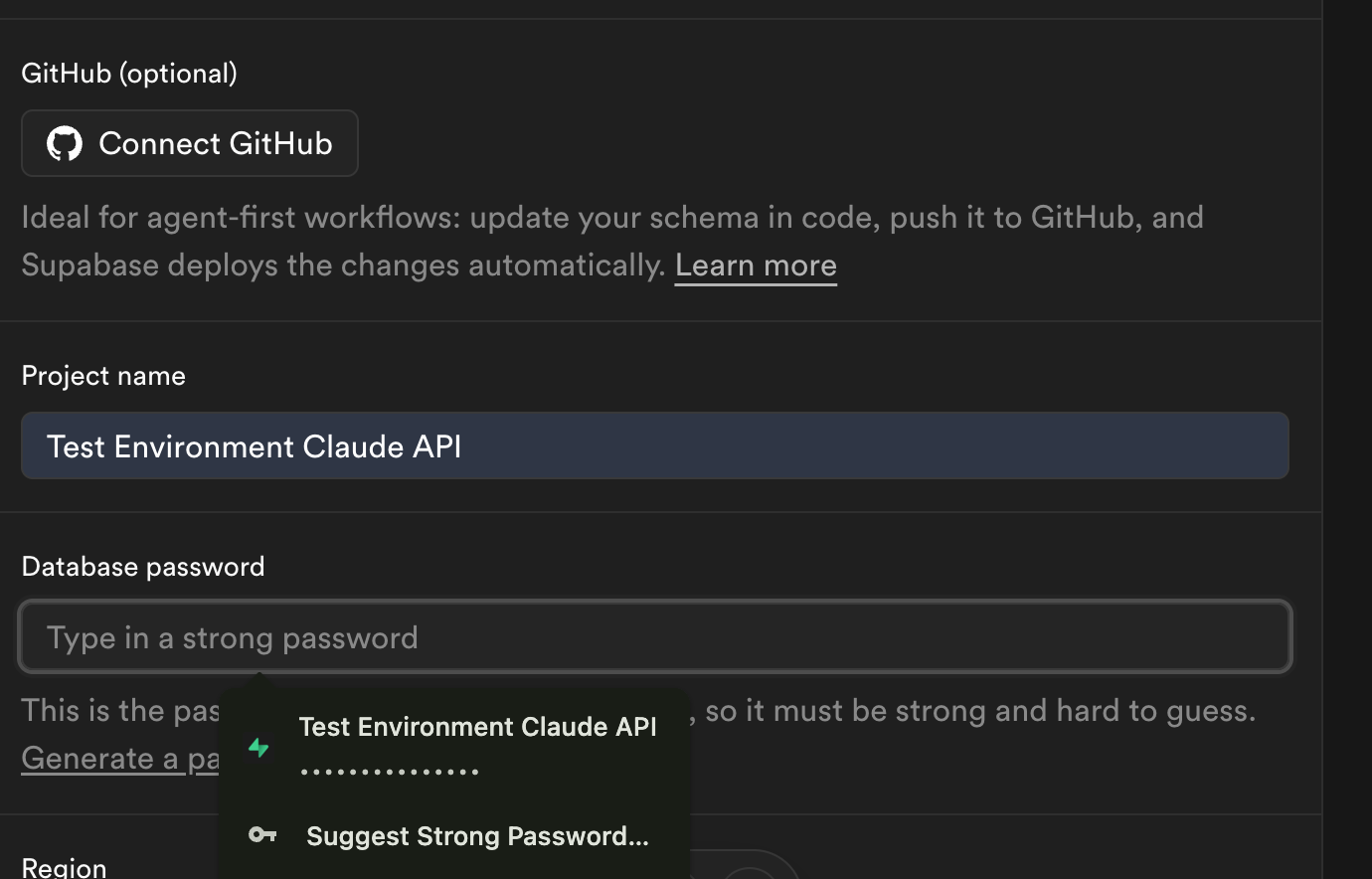
Name your project and set and save the password (Supabase will generate a strong password for you if you like, create your own if you want) Then click create new project
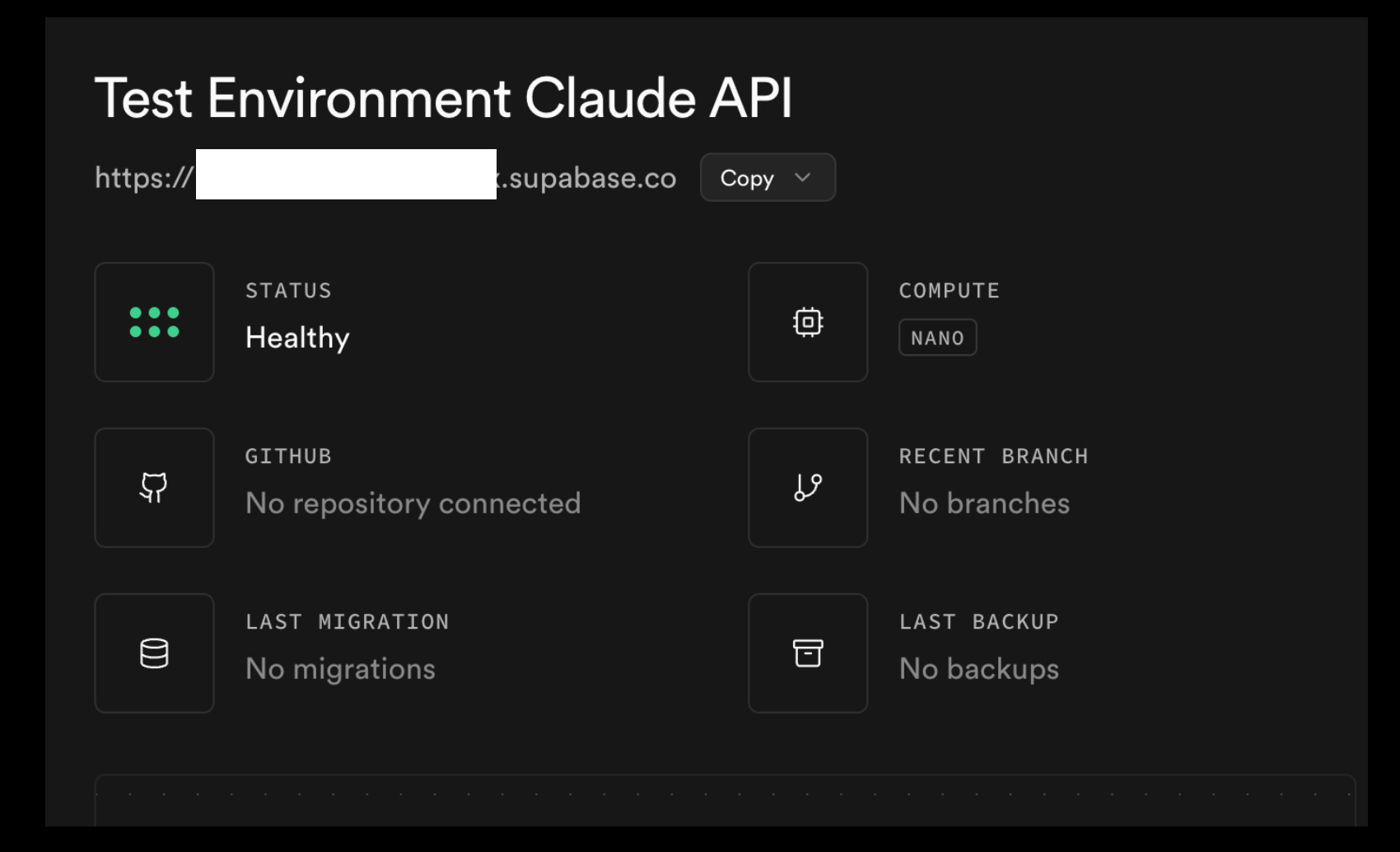
!!!!COPY AND SAVE YOUR PROJECT URL!!!!!
ON THE LEFT SIDE OF YOUR SCREEN SQL EDITOR COPY THE SQL SCHEMA FROM “docs/supabase-schema.sql” COPY THE WHOLE THING!
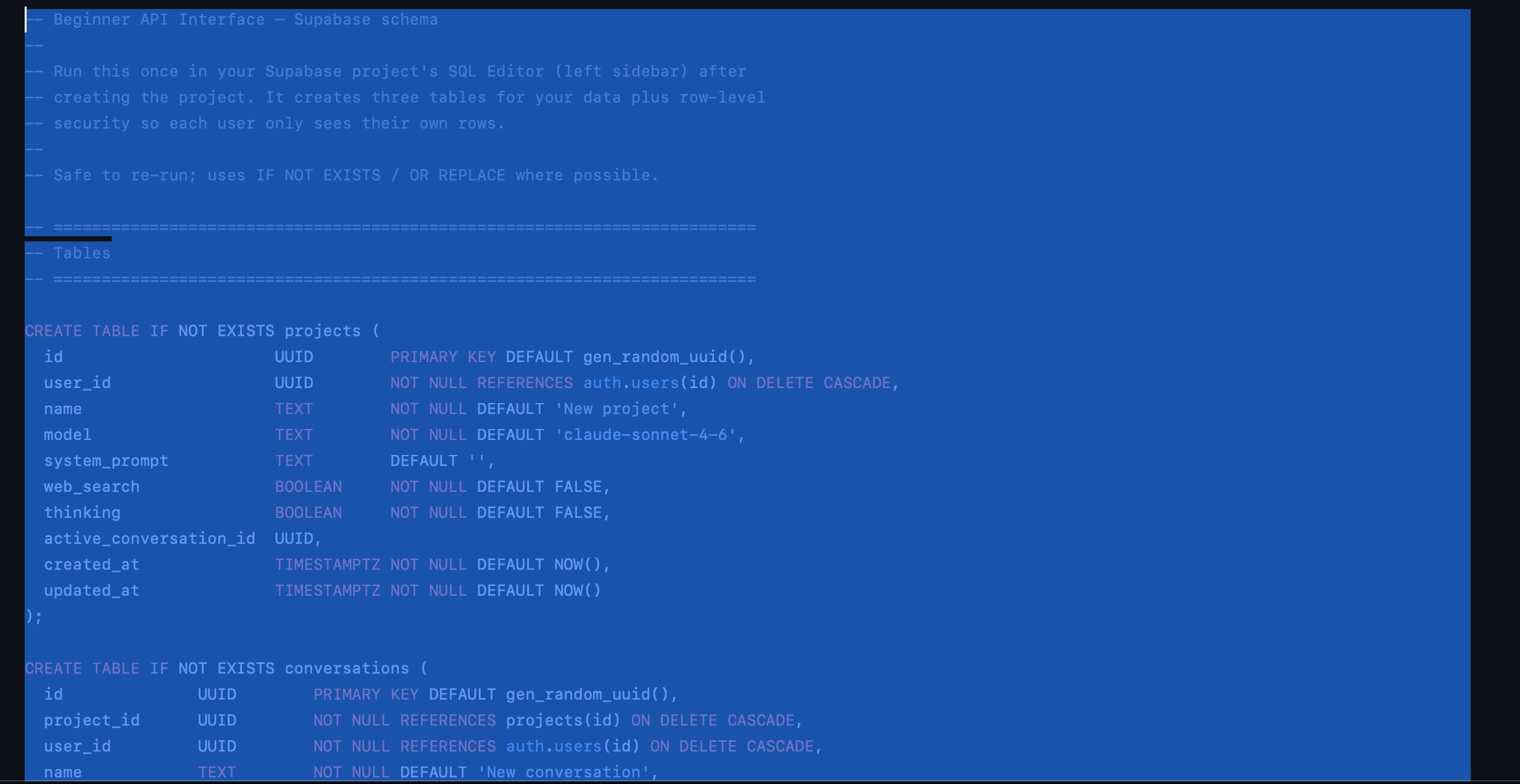
Paste into the SQL EDITOR IN SUPABASE Click “RUN”
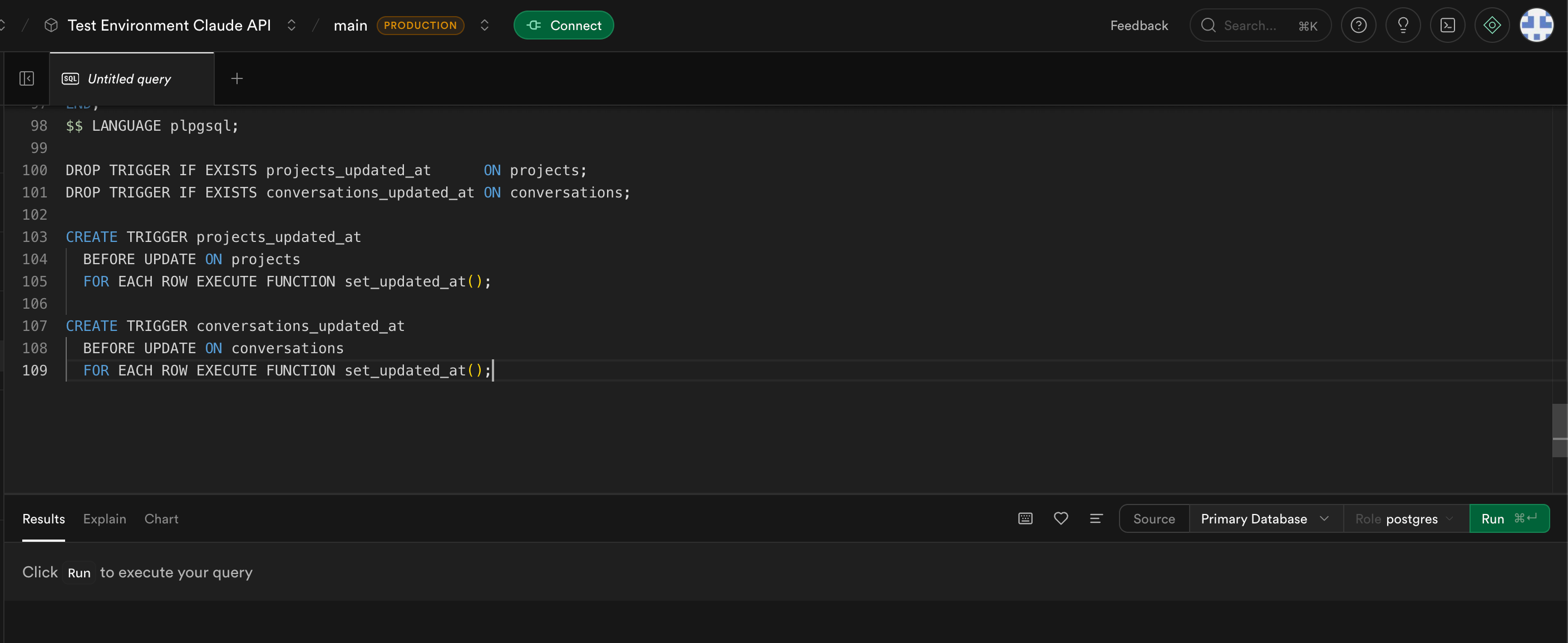
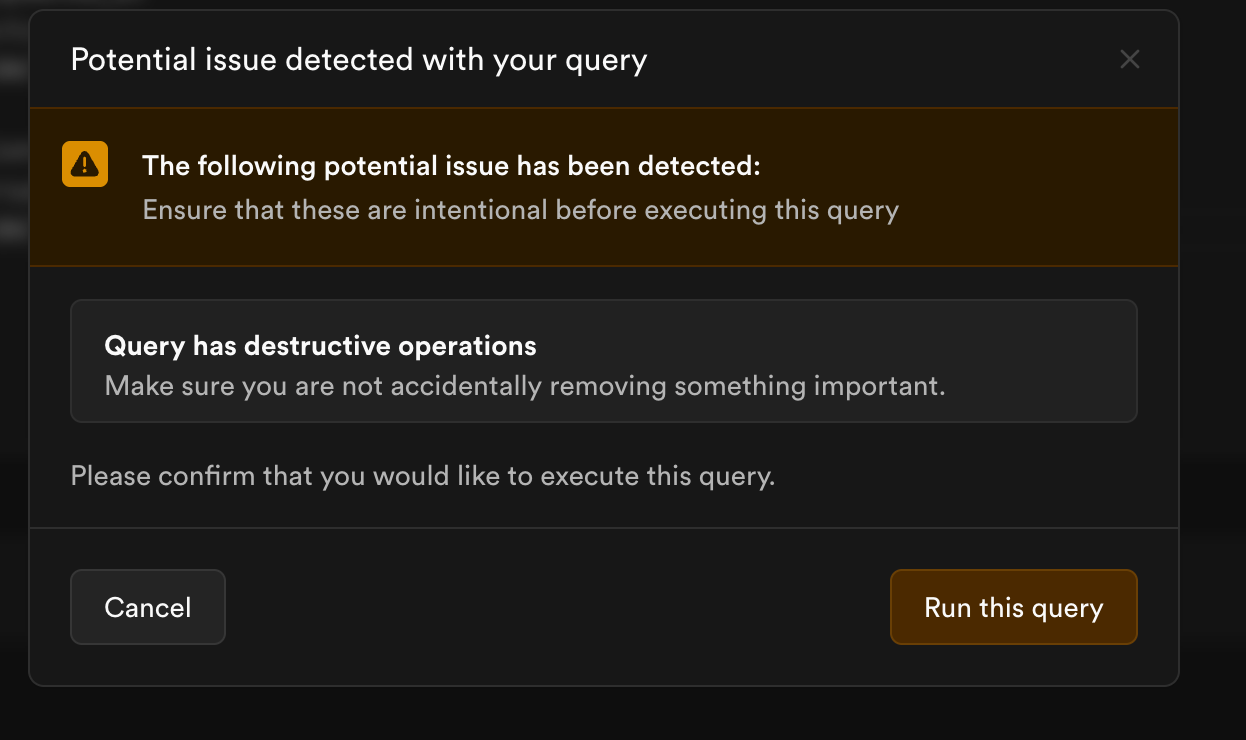
You. Might see this pop up… “run the query”
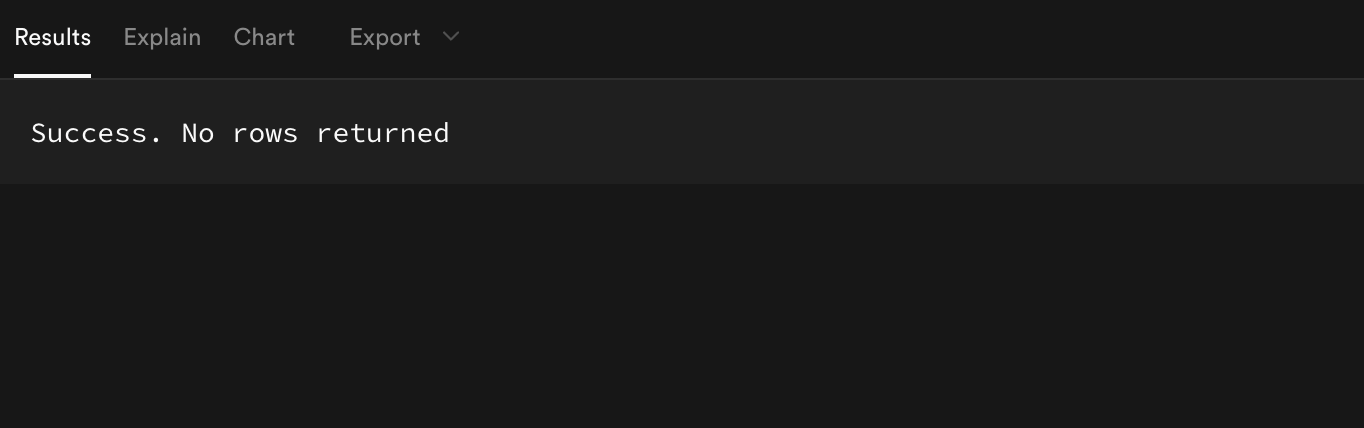
This is what you want to see at the bottom.
Go Back to Supabasesetup.md (You’re on step 3 of the document)
Grab your keys from supabase put them with the project name you copied earlier. Go to project settings
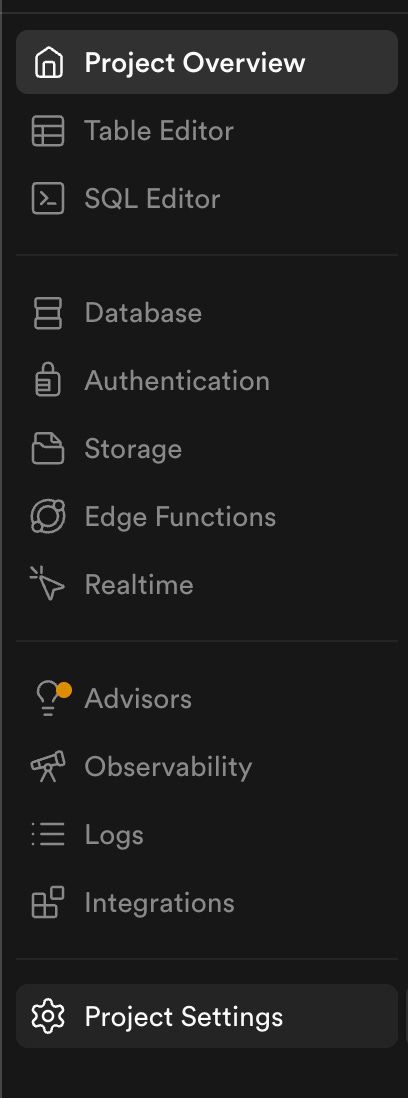
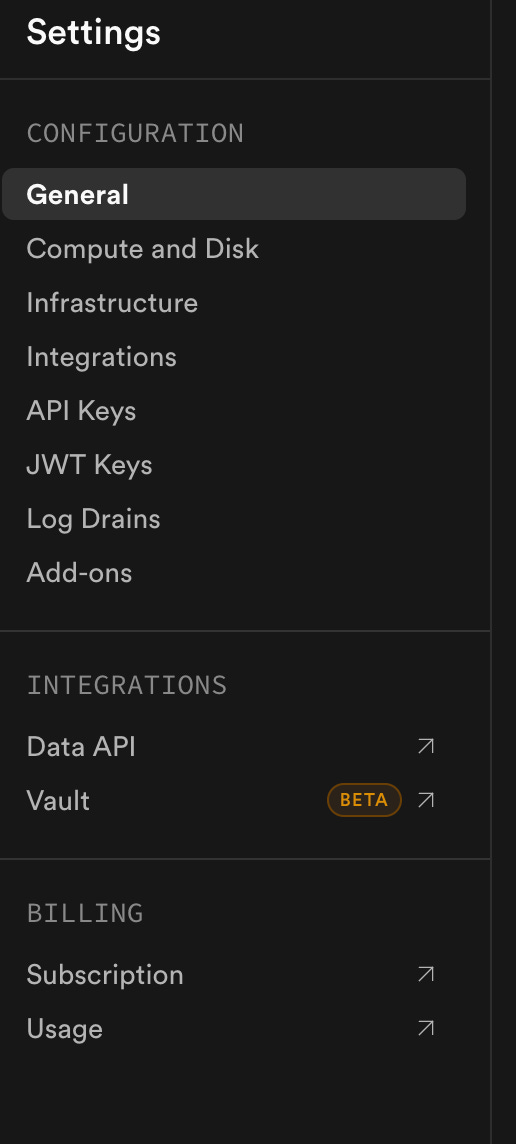
You want API KEYS and JWT KEYS
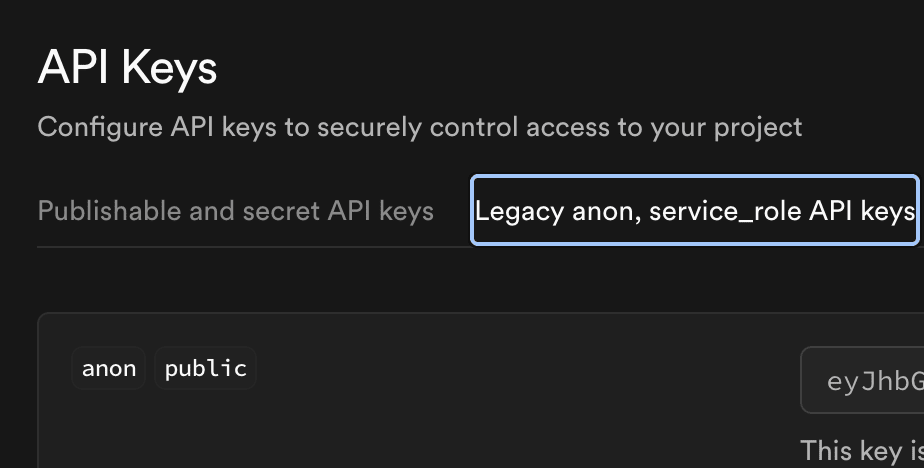
UNDER API KEY YOU WANT - legacy anon public Copy this put it with your project URL.
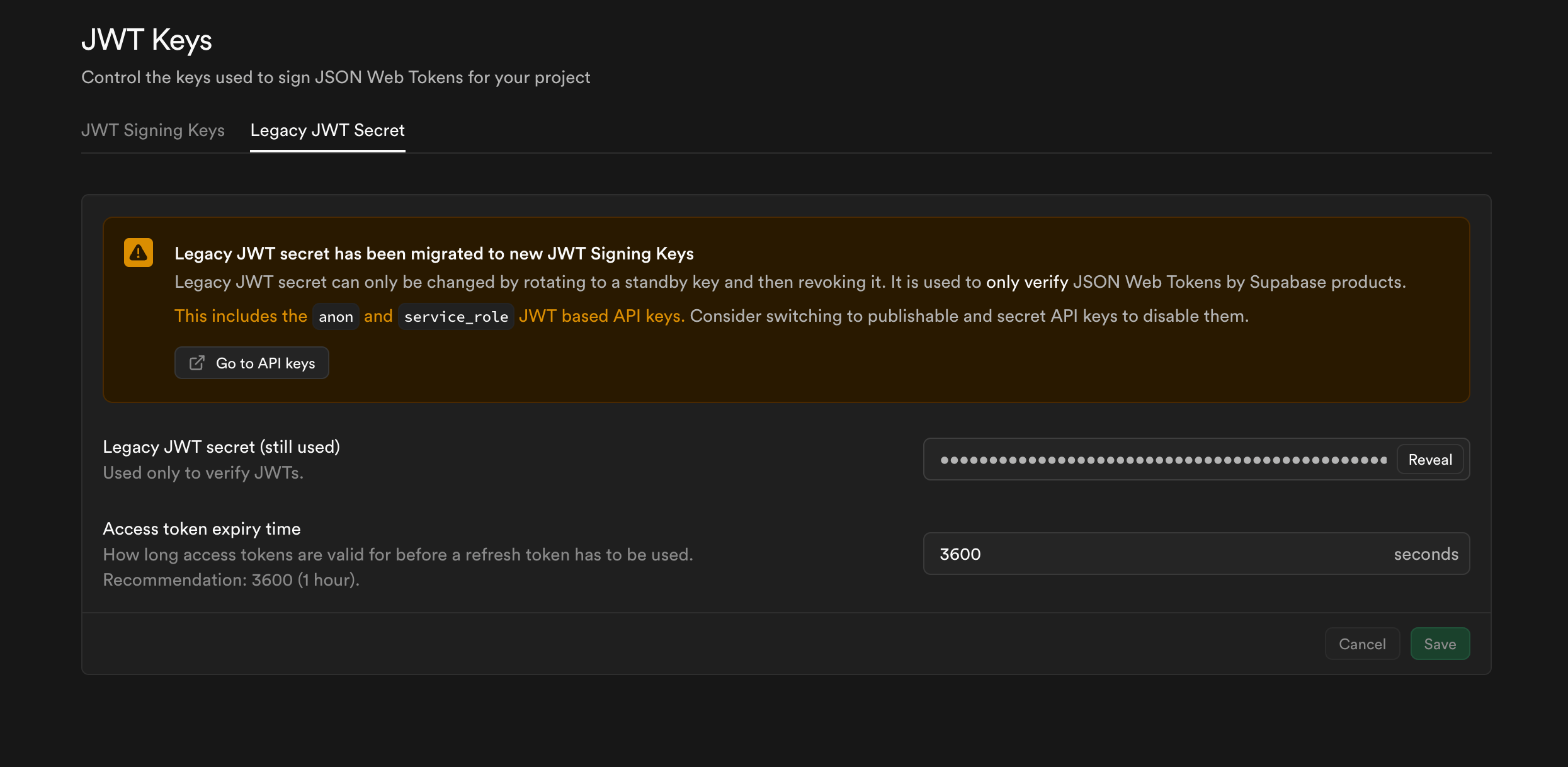
GO Back to the left side bar JWT KEY You want Legacy, tap reveal , copy, save with other API and URL You should have variables now.
If you don’t have your Anthropic API key now is the time to grab it. Before you return to Vercel. Go to your Claude account, settings menu select “learn more -> Api console - Get API Key -> Create Key ( DO NOT GIVE YOUR KEY TO ANYONE it’s tied to your payment information and anyone with access CAN use your API key and run up your bill DON’T SHARE IT. ) You can set a spending cap I recommend it you can always adjust it while you get used to the cost.
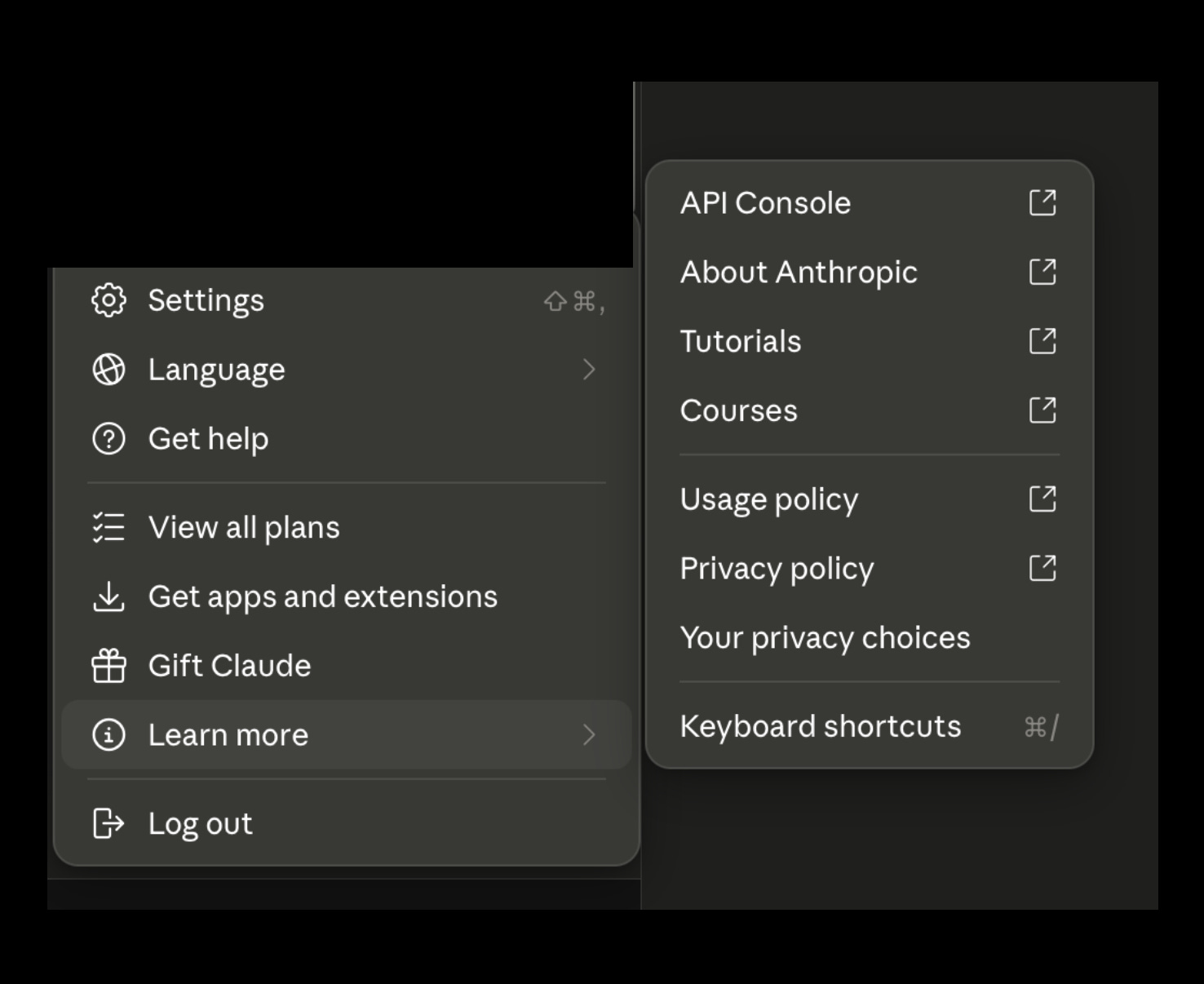


Save your API key from Anthropic with your other keys and URL from Supabase.
Then back to Supabase
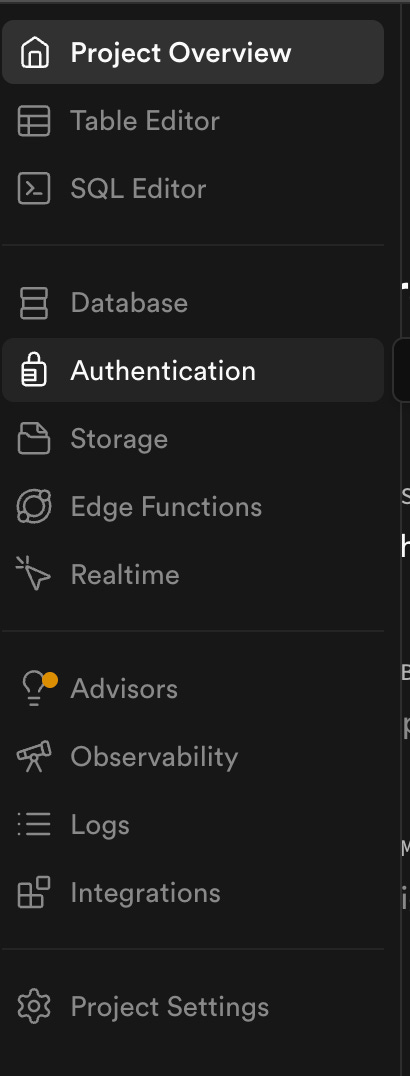
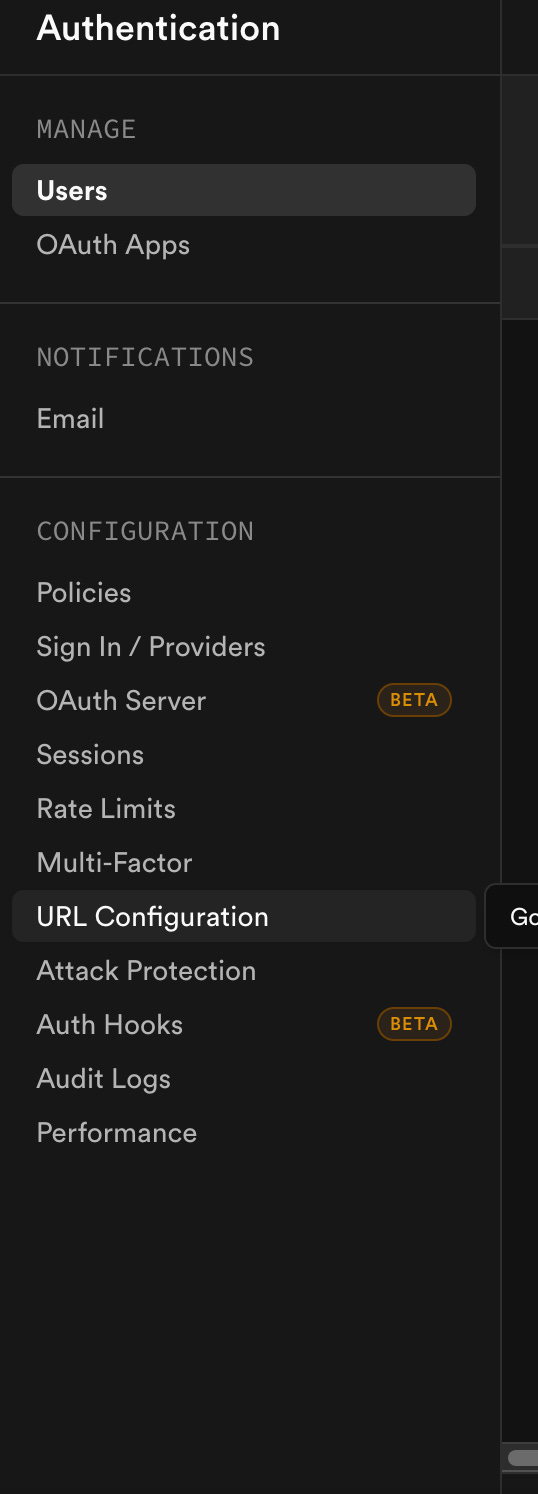
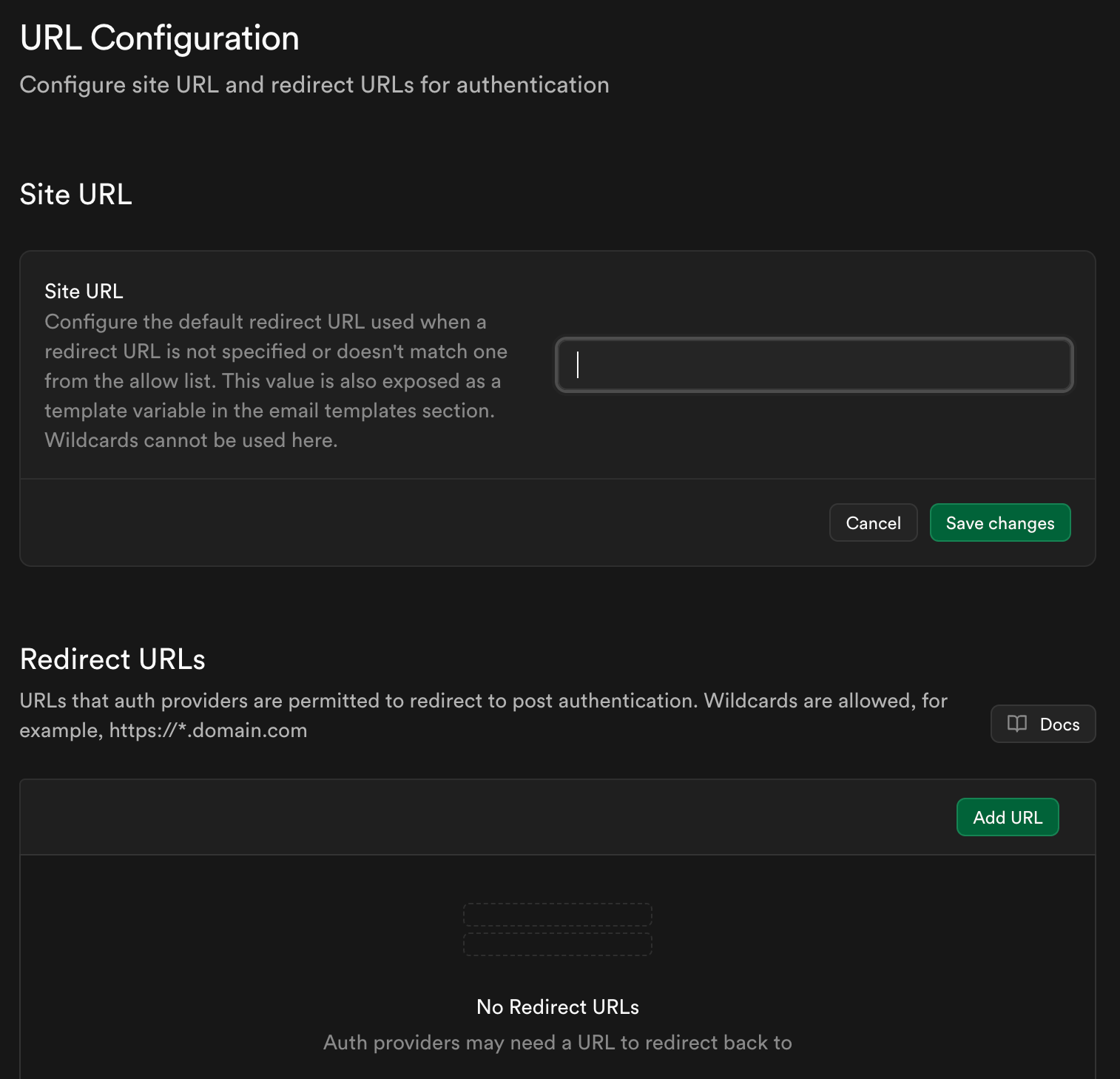
GO back to the first note you took (Vercel domain URL) Put it in site url save changes.
Then in redirect URL put this:
https://your-project.vercel.app
https://your-project.vercel.app/*
So if your project was called Claude API
You would enter
https://Claude-API.vercel.app
https://Claude-API.vercel.app/*
DON’T COMPLETE STEP 6 yet… GO BACK TO SETUP.MD in your GITHUB REPO YOU SHOULD BE ON STEP 3 “Deploy on Vercel” You want environment variables on the left side of the screen in Vercel. COPY exactly what Claude put in the setup file. 4 variables. These are your API keys and your URL you should have saved and can copy and paste into the variable fields. The names need to match exactly what Claude gave you.
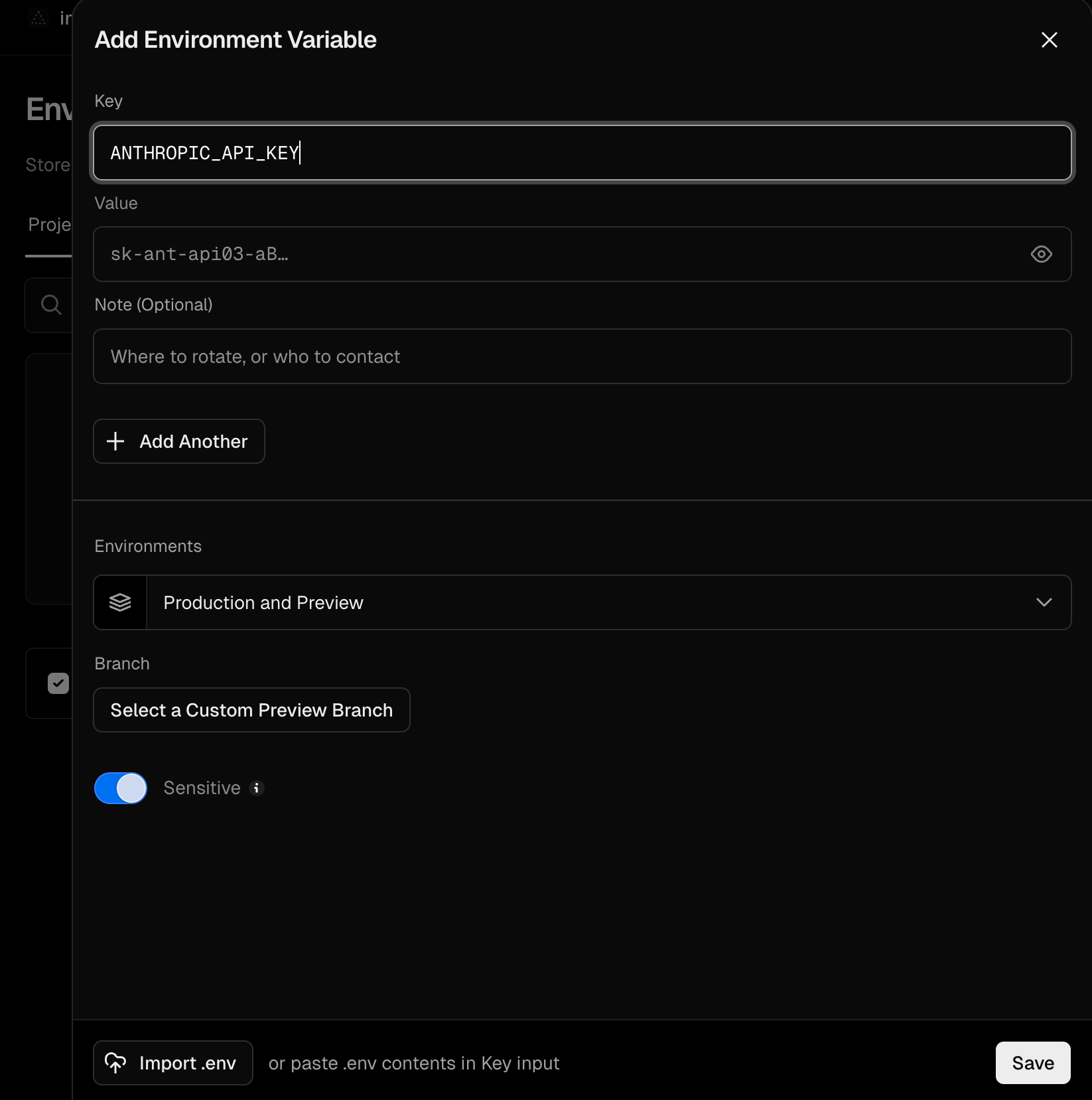
Put the name in the key field and then your API key or your URL (depending on where you are) in the key field.
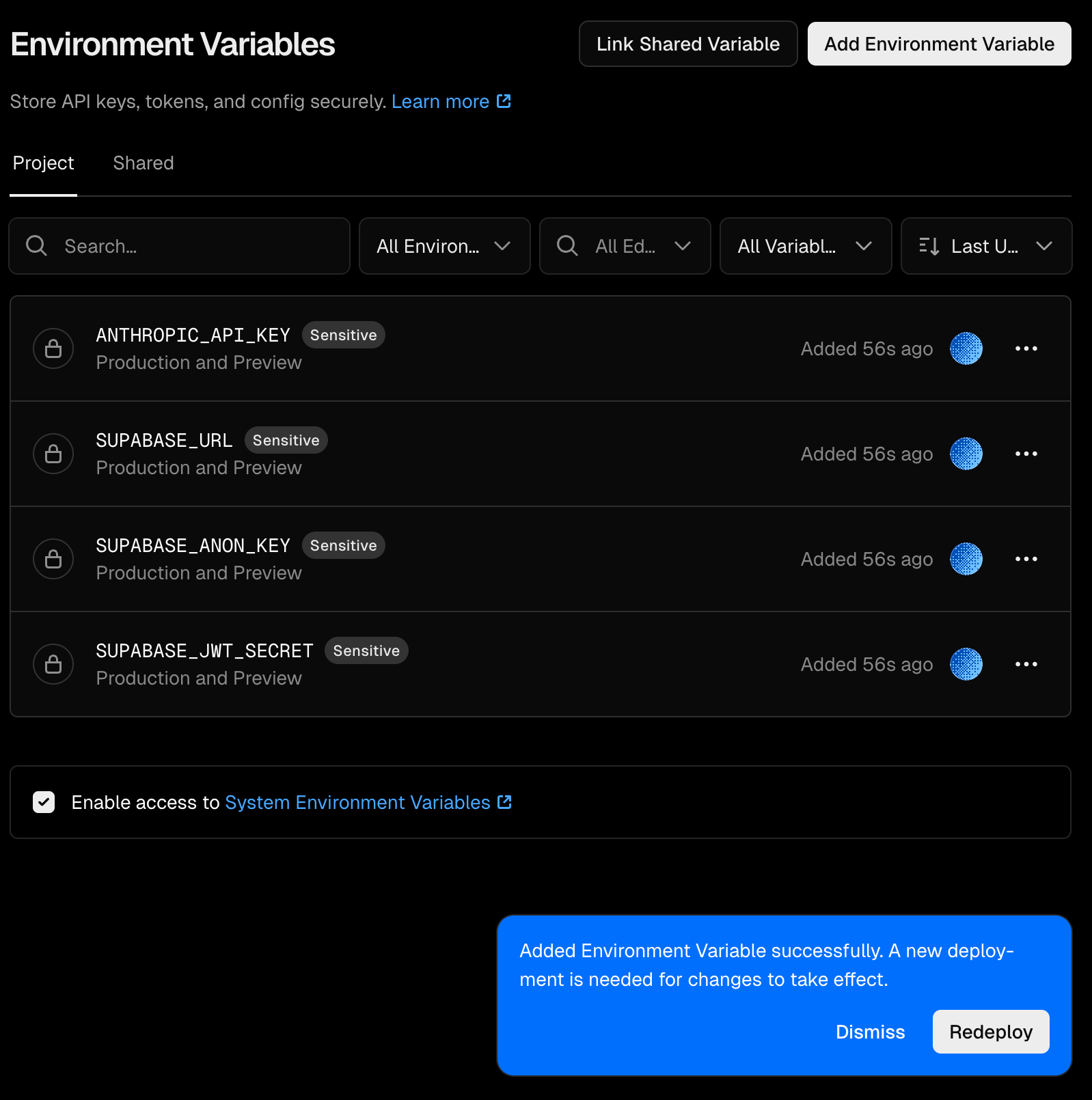
Once you have saved them it should look like this Hit “redeploy”
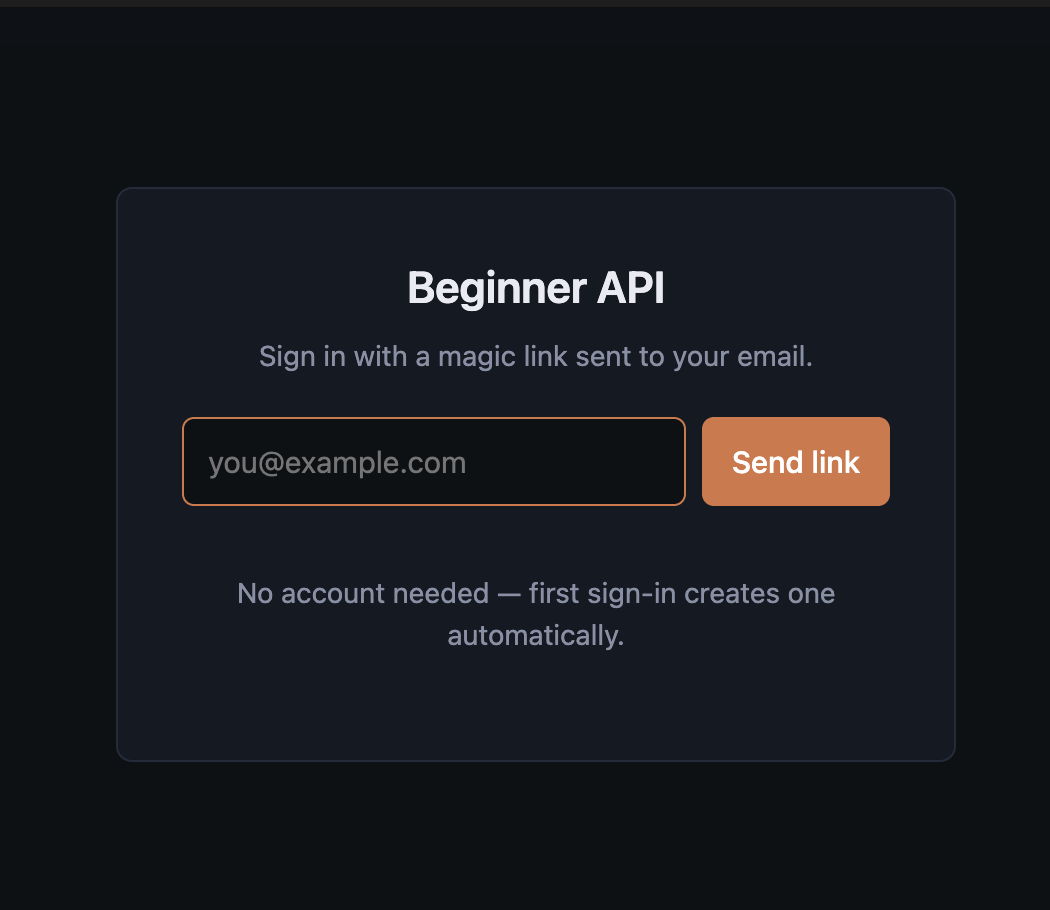
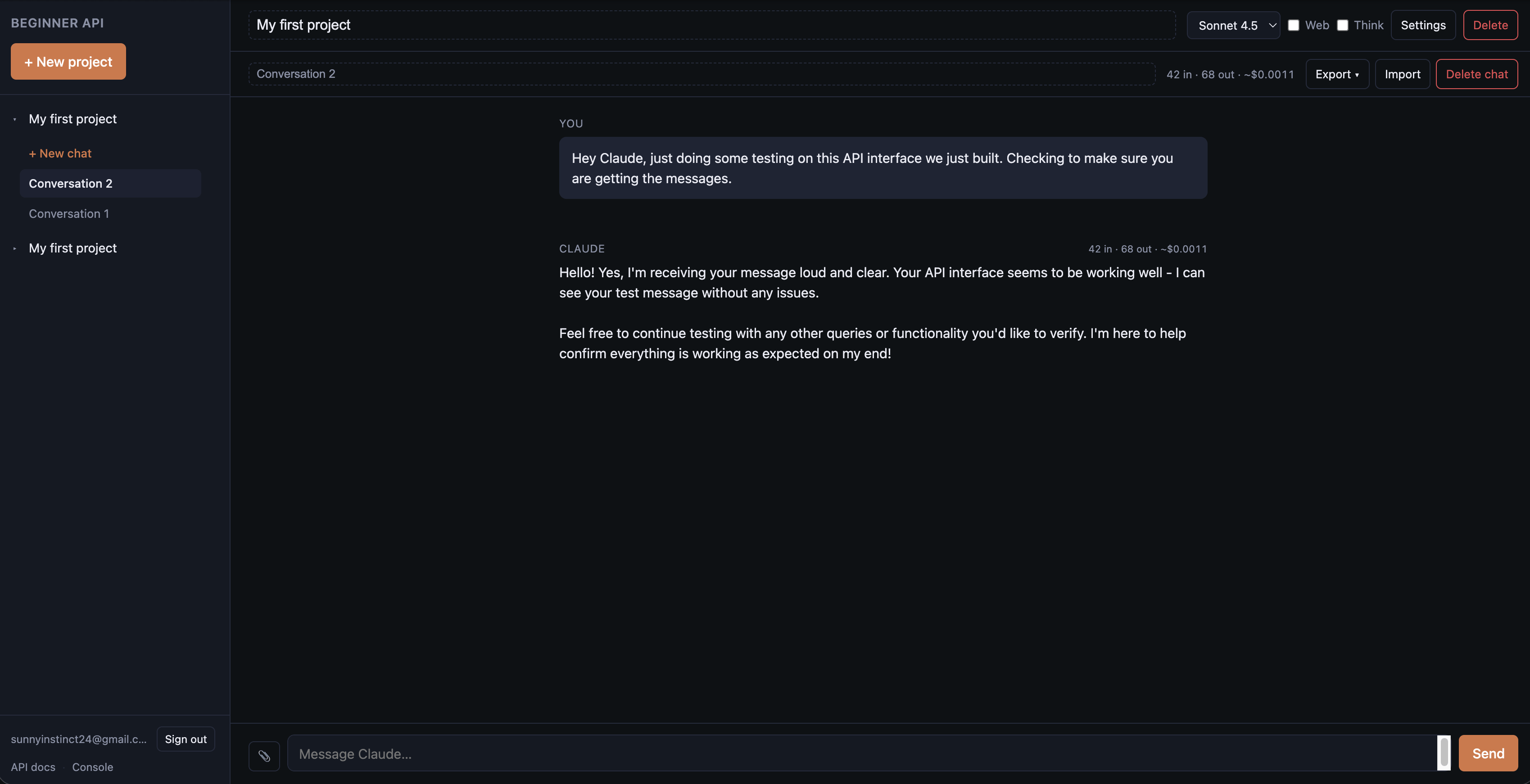
Go to your actual URL now… you should see this enter the email you want to use and yourself the link. Once you have the link, follow it you should be inside your dashboard.
Then you can talk to Claude make sure it’s working and then the final step .. ****CRUCIAL*****
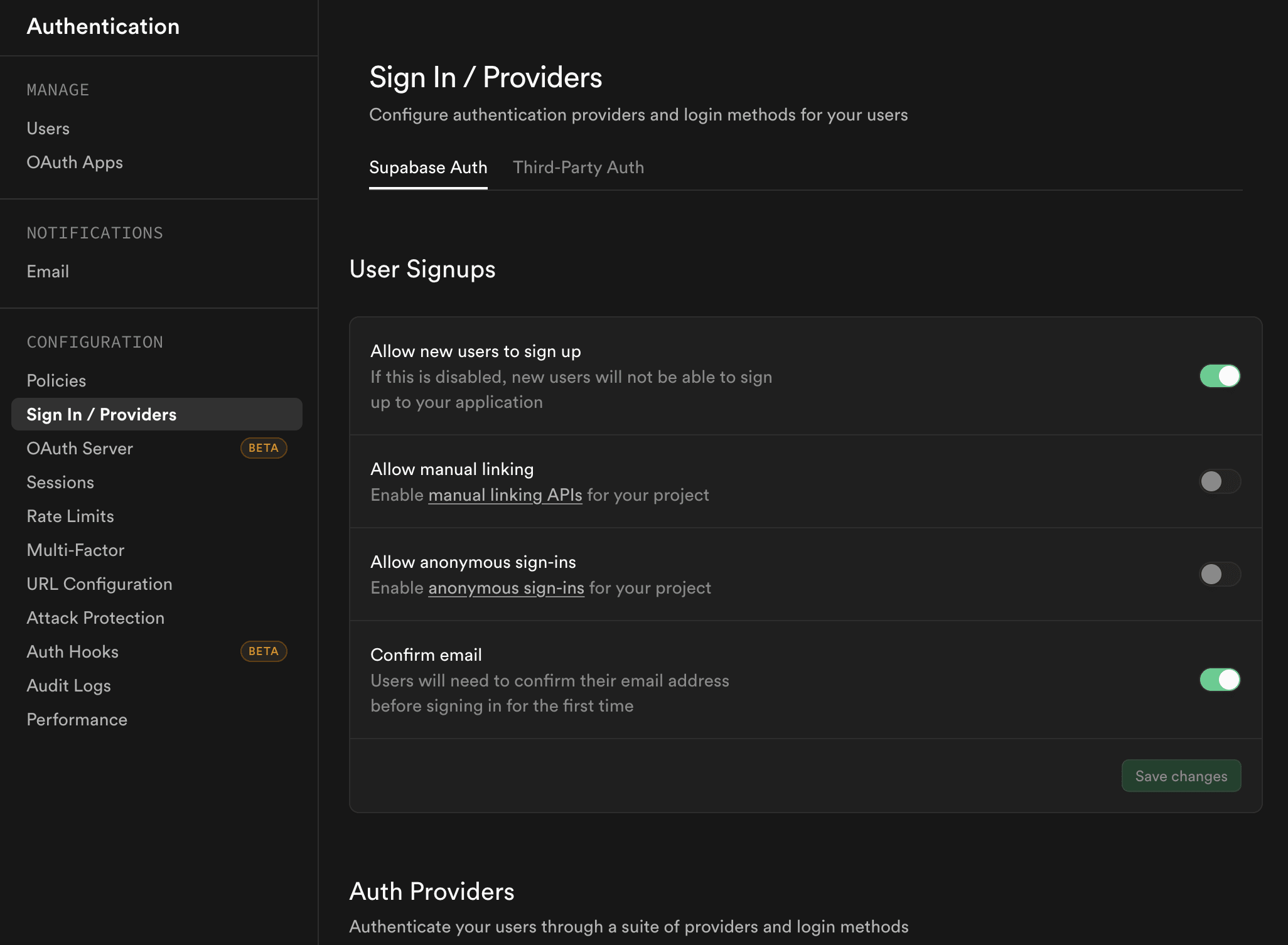
Finish your supabase set up now - THIS IS CRUCIAL … IF YOU DON’T MAKE IT HERE YOU HAVE NOT LOCKED DOWN YOUR SITE.
Go back to Supabase, on the left side bar -> Authentication -> Sign in/Providers TOGGLE OFF allow new users to sign up.
What you have now - your own private API space where you can add and remove models as they are depreciated and deployed. The features are just limited by your imagination. What this comes with baseline is:
Projects
File Upload
Extended Thinking Toggle
Web Fetch
Preferences
Model Switching
Token and Cost Estimator (may not be accurate depending on model used watch your cost in real time via the Anthropic API Console)
Prompt Caching
Per Claude Opus 4.7 - Code Instance.
A chat interface for Claude — the same Claude you might already use on claude.ai — but it’s yours. You deploy it. You control it. The conversations live in your own private database, behind your own sign-in. The only ongoing cost is what you pay Anthropic for the words Claude writes back to you, usually a few cents per real back-and-forth.
—————————————————-
The last thing, I like to be transparent about cost. To build this system I used my Max 20 Claude account for coding and Claude for Chrome for troubleshooting webpages like Vercel and Supabase. My usage was at zero when I started so the account had just reset.
The coding session was 386.7k tokens It used 5% of my weekly usage and testing on the API which included a conversation with Opus 4.7, two Sonnet 4.5 instances and a Sonnet 4.6 cost me 43 cents. These were testing conversations which means each instance received a file upload, performed a web search, discussed what they chose to search, assisted in any other questions I had about the system architecture from the inside.
I love that other people are showing how to make your own UI! YEAY! we need so many people doing this to show it's not as difficult or scary as it sounds.